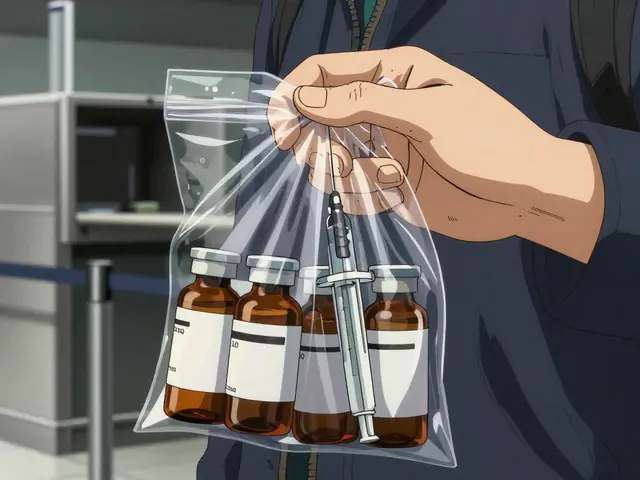
When demand spikes or supply chains glitch, you hit two main scenarios: Backorders, where you're totally out of an item but expect more, and Partial Fills, where you can send some of the order now and the rest later. If you don't have a rigid process for these, you'll end up with double-billing, lost packages, and frustrated customers. The goal isn't just to ship the product eventually, but to do it without a single manual entry error.
Choosing the Right Fulfillment Policy
You can't treat every order the same. A missing bottle of daily vitamins is different from a missing specialized surgical kit. To avoid errors, you need to categorize your approach based on the urgency and type of product. According to industry standards, there are four primary policies you should implement in your Inventory Management System:
- Ship-as-Available: You send what you have immediately and ship the rest as soon as it arrives. This is great for consumer health products where getting *something* is better than nothing.
- All-or-Nothing: Nothing leaves the warehouse until the entire order is complete. This is common for complex medical kits where the individual parts are useless without the rest of the set.
- Up-to-X-Shipments: You limit the number of partial shipments (usually to 2 or 3) to keep shipping costs from eating your margins.
- Default Backorder: A standard fallback policy that triggers a notification to the customer and holds the item in a virtual queue.
Using a data-driven approach here doesn't just keep customers happy; it reduces the actual occurrence of backorders by about 32% compared to just guessing when to reorder. However, keep in mind that keeping extra "safety stock" to prevent these issues can increase your carrying costs by 8-12%.
Preventing Billing and Shipping Chaos
The biggest source of errors in partial fills is the invoice. If you charge a customer for the full order but only ship half, you're inviting a customer service nightmare and potential legal headaches. To keep your books clean, your system should generate a separate invoice for every single fulfillment event. This means if a customer orders three items and you ship them in two different boxes over two weeks, they get two distinct invoices linked back to one original purchase order.
Shipping costs are another trap. Don't just slap the full shipping fee on the first box. Pro-rate the costs based on the weight and dimensions of each partial shipment. This prevents the "why am I paying $20 shipping for one small bottle?" complaints. For those in the B2B space, where orders are larger and more complex, this level of granularity is the only way to maintain a professional relationship with your clients.
| Product Category | Recommended Policy | Priority | Key Risk |
|---|---|---|---|
| Standard Medications | Ship-as-Available | High (Patient Health) | Increased Shipping Costs |
| Complex Medical Kits | All-or-Nothing | Medium (Utility) | Longer Wait Times |
| Wellness Supplements | Default Backorder | Low (Convenience) | Order Cancellation |
The Warehouse Secret: FIFO Allocation
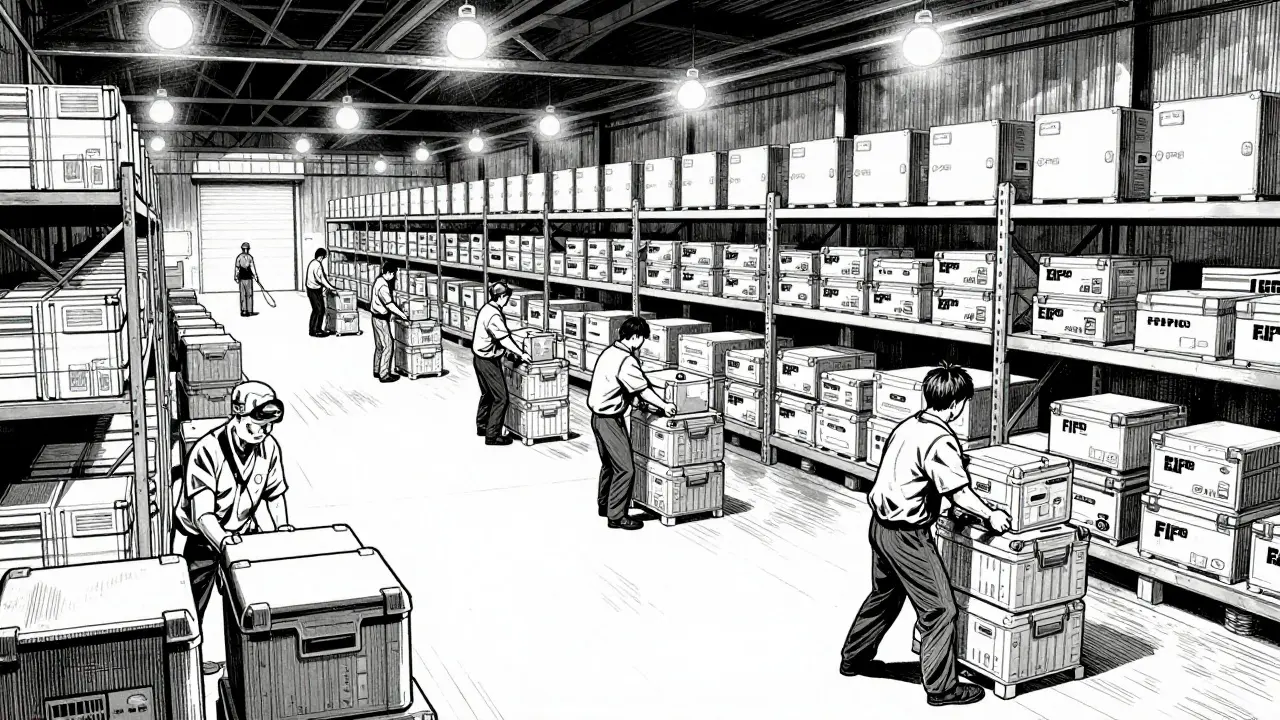
Errors often happen at the receiving dock. When a long-awaited shipment arrives, the temptation is to put it all away on the shelves first. That's a mistake. To eliminate dispensing errors and speed up delivery, implement FIFO (First-In, First-Out) inventory allocation.
FIFO ensures that the oldest backorder is filled first. More importantly, a high-efficiency warehouse allows for "cross-docking," where backordered items are identified at the receiving dock and moved directly to the packing station without ever hitting a shelf. This removes the risk of the item being misfiled or lost in the warehouse, cutting processing time from days down to just a few hours.
Communication and the 30-Day Rule
Silence is the enemy of customer retention. If a customer doesn't hear from you, they assume the order is lost. To stop this, set a firm 30-day limit on backorders. If you can't fulfill the item within a month, the system should automatically trigger a notification giving the customer three clear choices: wait longer, accept a substitute, or cancel for a full refund.
When you do notify them, don't be vague. Instead of saying "coming soon," provide a specific ETA and updated pricing if the cost has changed. Using automated workflows for these updates can reduce customer frustration by nearly 40%. It's also a smart move to only charge the customer's card at the moment the item actually ships. This builds massive trust and reduces the number of chargebacks you have to fight.
Tiering Your Inventory for Better Control
Not all products are created equal. To prevent errors, categorize your items into tiers. This allows you to apply different levels of scrutiny to the order process:
- Tier 1 (High-Value/Contract): These are items that require a human to sign off before a backorder is confirmed. This prevents expensive mistakes on custom-made or high-cost medical equipment.
- Tier 2 (Standard): These are your bread-and-butter items. Auto-approval is fine here; the system handles the backorder without needing a manager's eyes on it.
- Tier 3 (Discontinued): These items should never be backordered. If it's gone, it's gone. Marking these correctly in your system prevents the error of promising a product that will never exist.
If your team is struggling with these workflows, remember that training takes time. Most staff need about two to three weeks to really master backorder logic, and integrating these rules into an existing ERP system can take up to three months. Don't rush the rollout or you'll just create new errors.
What is the biggest risk of poor backorder management?
The most significant risk is the "bullwhip effect." This happens when small fluctuations in customer demand cause massive, distorted swings in inventory orders up the supply chain. This inefficiency can cost a business between 18% and 22% of their total inventory costs due to overstocking and understocking cycles.
How do I prevent returns from breaking my partial order system?
The best way to handle this is through a tagging system. Each item in a partial order should have a unique identifier that links it to its specific shipment. This prevents a customer from trying to "return" an item that hasn't even been shipped yet, which often crashes basic inventory databases.
Should I charge customers upfront for backordered items?
Generally, no. Charging only when the item is filled significantly boosts customer trust. It removes the friction and anxiety associated with paying for a product that doesn't have a guaranteed delivery date.
How often should I perform inventory counts to avoid backorder errors?
You should implement regular cycle counts rather than one big annual audit. Aim for 98% or higher accuracy. Regular counts ensure that your system doesn't think you have an item in stock (leading to a fake "fill") when the shelf is actually empty.
Can AI help reduce the number of partial fills?
Yes, AI-powered prediction systems can analyze historical trends and supply chain delays to reduce unexpected backorders by up to 41%. They can also suggest substitutions that customers are likely to accept, increasing the overall order completion rate.
Next Steps for Improving Your Process
If you're seeing a high rate of dispensing errors, start by auditing your current inventory accuracy. If your counts are off by more than 2%, your backorder system will fail regardless of your policy. Next, map out your product tiers. Identify which items are "all-or-nothing" and which can be partially filled.
For those operating in regions with strict consumer laws-like California's SB-1287-ensure your online checkout explicitly discloses expected fulfillment times for backordered goods. Moving toward a transparent, automated system isn't just about efficiency; it's about protecting your business from the costs of errors and the loss of customer loyalty.